Windows computers remain the dominant platform for gaming in 2026, offering unparalleled hardware flexibility, an extensive game library, and the latest advancements in graphics technology. This comprehensive guide navigates the intricate world of gaming PCs, from understanding essential components like cutting-edge GPUs and CPUs to optimizing system settings for peak performance. Discover how AI-enhanced games are reshaping experiences, the impact of cloud gaming integration, and the crucial role of high-refresh-rate monitors. We delve into ray tracing, DLSS, and FSR innovations, helping both new builders and seasoned enthusiasts make informed decisions. Learn about popular genres thriving on Windows, including immersive action-adventure, deep RPGs, intense survival horror, competitive shooters, and engaging social co-op titles. Prepare to elevate your gaming experience with insights into future trends and actionable tips for building or upgrading your ultimate Windows gaming rig. This article provides all the necessary information to stay ahead in the dynamic 2026 PC gaming landscape.
What are the must-have hardware components for a 2026 Windows gaming PC?
For 2026, a top-tier Windows gaming PC demands a powerful GPU like an NVIDIA RTX 5000 series or AMD RDNA 4 equivalent, a multi-core CPU (Intel Core Ultra 9 or AMD Ryzen 9 series), at least 32GB of DDR5 or DDR6 RAM, a fast PCIe Gen5 NVMe SSD for games, and an efficient power supply. High-refresh-rate monitors (240Hz+) are also crucial.
How important are AI enhancements in 2026 PC games?
AI enhancements are increasingly vital in 2026 PC games, driving features like advanced NPC behaviors, procedural content generation, and sophisticated anti-cheat systems. Technologies like NVIDIA DLSS and AMD FSR, which utilize AI for upscaling and frame generation, are fundamental for achieving high frame rates and superior visual fidelity, especially with demanding ray tracing effects.
Can cloud gaming replace a dedicated Windows gaming PC by 2026?
While cloud gaming platforms like Xbox Cloud Gaming and GeForce NOW have significantly advanced by 2026, offering impressive streaming quality, they are unlikely to fully replace dedicated Windows gaming PCs for enthusiasts. Cloud gaming provides convenience and accessibility, but a local PC still offers lower latency, uncompromised graphics settings, greater customization, and ownership of games without reliance on internet connectivity.
What are the key Windows optimization tips for gaming in 2026?
Optimizing Windows for gaming in 2026 involves enabling Game Mode, ensuring GPU drivers are always updated, disabling unnecessary background apps, adjusting power settings to 'Ultimate Performance,' utilizing DirectStorage for faster game loading, and regularly clearing temporary files. Consider clean Windows installations every couple of years for peak efficiency and maintaining good cooling.
What role do ray tracing and upscaling technologies play in 2026 gaming?
Ray tracing is a standard feature in most AAA games by 2026, offering incredibly realistic lighting, shadows, and reflections. Upscaling technologies like DLSS 4.0 and FSR 3.0 are crucial companions, rendering games at lower internal resolutions and using AI to reconstruct images to higher resolutions. This combination allows gamers to experience stunning ray-traced visuals at high frame rates, making demanding titles playable.
How much RAM is sufficient for Windows gaming in 2026?
For serious Windows gaming in 2026, 32GB of DDR5 or the newer DDR6 RAM is highly recommended as the sweet spot. While some games might still run on 16GB, 32GB provides ample headroom for multitasking, streaming, future-proof stability, and ensures demanding titles, especially those utilizing large open worlds or AI-driven systems, run smoothly without performance bottlenecks.
Should I build a custom Windows gaming PC or buy a pre-built one in 2026?
In 2026, building a custom Windows gaming PC often offers better value, more customization, and a deeper understanding of your system. However, pre-built PCs from reputable brands provide convenience, warranties, and often optimized thermal solutions. The choice depends on your budget, technical comfort level, and desire for specific component choices. Custom builds typically yield higher performance for the same price.
Guide to Windows Gaming PCs 2026: Build & Optimize
Welcome, fellow gamers, to the ultimate guide for conquering the virtual realms of 2026 with your Windows computers for gaming. As an avid PC gaming enthusiast and an SEO specialist keenly observing the technological forefront, I am thrilled to dive into what makes a Windows gaming PC tick in this new era. The year 2026 presents an exhilarating landscape for PC gamers, marked by astonishing advancements in hardware, revolutionary software optimizations, and an ever-expanding library of immersive titles. From the raw power of next-gen GPUs to the intelligent integration of AI-enhanced gaming experiences, choosing and optimizing your Windows gaming computer has never been more critical or rewarding. This comprehensive article will answer all your burning questions about building, upgrading, and fine-tuning your rig, ensuring you're ready for everything from hyper-realistic action-adventure sagas to competitive esports arenas. We will explore the latest trends like cloud gaming's evolution, the dominance of high-refresh-rate monitors, and the indispensable role of ray tracing and upscaling technologies such as DLSS and FSR. Prepare to unlock the full potential of your gaming journey!
In 2026, the global PC gaming market continues its robust growth, driven by innovation and a passionate community. Statistically, PC gaming revenue is projected to hit new highs, with a significant portion attributed to hardware upgrades and new game releases leveraging cutting-edge technology. Gamers are increasingly seeking systems capable of delivering fluid 4K experiences, ultra-fast refresh rates, and the visual fidelity offered by fully path-traced environments. Our focus today is on ensuring your Windows computers for gaming not only meet these demands but exceed them. We aim to equip you with the knowledge to navigate component choices, understand optimization techniques, and foresee future trends. Whether you're embarking on your first build, contemplating a significant upgrade, or simply looking to squeeze every frame out of your current setup, this guide is crafted specifically for you, the U.S.-based gamer aged 18-45 who lives and breathes digital adventures.
Building the Ultimate 2026 Windows Gaming PC: Core Components Explained
The foundation of any exceptional Windows computers for gaming lies in its hardware. In 2026, the landscape of PC components has evolved, pushing boundaries previously thought impossible. Understanding what each part contributes is crucial for making informed decisions.
What are the must-have hardware components for a 2026 Windows gaming PC?
For 2026, a top-tier Windows gaming PC demands a powerful GPU like an NVIDIA RTX 5000 series or AMD RDNA 4 equivalent, a multi-core CPU (Intel Core Ultra 9 or AMD Ryzen 9 series), at least 32GB of DDR5 or DDR6 RAM, a fast PCIe Gen5 NVMe SSD for games, and an efficient power supply. High-refresh-rate monitors (240Hz+) are also crucial for a truly immersive experience.
How much RAM is sufficient for Windows gaming in 2026?
For serious Windows gaming in 2026, 32GB of DDR5 or the newer DDR6 RAM is highly recommended as the sweet spot. While some games might still run on 16GB, 32GB provides ample headroom for multitasking, streaming, future-proof stability, and ensures demanding titles, especially those utilizing large open worlds or AI-driven systems, run smoothly without performance bottlenecks. Investing in faster RAM with tighter timings also offers measurable performance gains.
Is a PCIe Gen5 NVMe SSD essential for gaming in 2026?
While not strictly "essential" for every game, a PCIe Gen5 NVMe SSD offers significantly faster loading times for games that leverage technologies like DirectStorage. This is particularly noticeable in large open-world titles and reduces texture pop-in. For competitive gamers, reducing loading screens means getting into the action faster. For optimal performance of your Windows computers for gaming, it is a highly recommended upgrade.
The Graphics Powerhouse: GPUs, Ray Tracing, and Upscaling in 2026
The Graphics Processing Unit (GPU) remains the heart of any gaming PC. In 2026, NVIDIA and AMD continue to push boundaries with their latest architectures, making visual fidelity and performance truly astounding.
What role do ray tracing and upscaling technologies play in 2026 gaming?
Ray tracing is a standard feature in most AAA games by 2026, offering incredibly realistic lighting, shadows, and reflections. Upscaling technologies like DLSS 4.0 and FSR 3.0 are crucial companions, rendering games at lower internal resolutions and using AI to reconstruct images to higher resolutions. This combination allows gamers to experience stunning ray-traced visuals at high frame rates, making demanding titles playable on modern hardware. Without these, achieving high framerates with full ray tracing would be exceptionally difficult.
Are NVIDIA's DLSS and AMD's FSR still the leading upscaling solutions?
Yes, in 2026, NVIDIA's Deep Learning Super Sampling (DLSS) and AMD's FidelityFX Super Resolution (FSR) are still the dominant upscaling solutions. Both have seen multiple iterations, with DLSS 4.0 and FSR 3.0 offering unparalleled image quality and frame generation capabilities. Intel's XeSS also provides a competitive alternative. These technologies are foundational for enabling high-performance gaming on Windows computers for gaming with ray tracing enabled, effectively stretching GPU performance.
Processor Prowess: CPUs and Their Impact on Gaming Performance
While the GPU handles graphics, the CPU orchestrates everything else, from game logic and AI to physics simulations. A balanced system requires a powerful CPU to avoid bottlenecks.
Which CPUs are best for high-end Windows gaming in 2026?
For high-end Windows gaming in 2026, Intel's Core Ultra 9 series and AMD's Ryzen 9 series are the top contenders. These processors offer a high core count, exceptional single-core performance, and advanced instruction sets, making them ideal for handling demanding game engines and multitasking. For gaming at 1440p or 4K resolutions, a strong CPU prevents your high-end GPU from being underutilized, ensuring smooth gameplay on your Windows computers for gaming.
How does CPU choice affect gameplay beyond frame rates?
Beyond raw frame rates, a robust CPU significantly impacts aspects like loading times, frame stability (minimizing stutters), complex physics simulations, and the behavior of non-player characters (NPCs) in open-world games. It also affects your ability to stream gameplay or run background applications without performance degradation, making it a critical component for any serious gamer or content creator using Windows computers for gaming.
The Evolving Gaming Ecosystem: AI, Cloud, and Monitors
The gaming experience extends beyond the core components. Technologies like AI, the rise of cloud gaming, and advancements in display technology are shaping how we play.
How important are AI enhancements in 2026 PC games?
AI enhancements are increasingly vital in 2026 PC games, driving features like advanced NPC behaviors, procedural content generation, and sophisticated anti-cheat systems. Technologies like NVIDIA DLSS and AMD FSR, which utilize AI for upscaling and frame generation, are fundamental for achieving high frame rates and superior visual fidelity, especially with demanding ray tracing effects. AI is also powering adaptive difficulty and personalized gaming experiences, making your Windows computers for gaming smarter.
Can cloud gaming replace a dedicated Windows gaming PC by 2026?
While cloud gaming platforms like Xbox Cloud Gaming and GeForce NOW have significantly advanced by 2026, offering impressive streaming quality, they are unlikely to fully replace dedicated Windows computers for gaming for enthusiasts. Cloud gaming provides convenience and accessibility, but a local PC still offers lower latency, uncompromised graphics settings, greater customization, and ownership of games without reliance on internet connectivity or service subscriptions. It serves as a complementary service.
What are the benefits of high-refresh-rate monitors for Windows gaming?
High-refresh-rate monitors (240Hz, 360Hz, or even 500Hz by 2026) offer vastly smoother gameplay, reduced input lag, and a more responsive experience compared to standard 60Hz displays. This is especially critical in competitive esports titles where every millisecond counts. Coupled with adaptive sync technologies like G-Sync or FreeSync, these monitors virtually eliminate screen tearing and stuttering, providing a seamless visual flow for your Windows computers for gaming.
Optimizing Your Windows Gaming Experience in 2026
Hardware is only half the battle; software optimization is key to unlocking maximum performance from your Windows computers for gaming.
What are the key Windows optimization tips for gaming in 2026?
Optimizing Windows for gaming in 2026 involves enabling Game Mode, ensuring GPU drivers are always updated to the latest versions, disabling unnecessary background applications and startup programs, adjusting power settings to 'Ultimate Performance,' utilizing features like DirectStorage for faster game loading, and regularly clearing temporary files. Consider clean Windows installations every couple of years for peak efficiency. Maintaining good cooling and airflow is also paramount.
How do I keep my GPU drivers updated for optimal performance?
Keeping GPU drivers updated is critical. Both NVIDIA and AMD provide dedicated software (GeForce Experience and Adrenalin Software, respectively) that automates driver updates. Regularly check for new releases, especially before playing new AAA titles, as game-ready drivers often include specific optimizations. This simple step can significantly improve performance and stability across your Windows computers for gaming.
Popular Game Genres on Windows in 2026
The sheer variety of games available on Windows computers for gaming is unmatched. In 2026, several genres continue to dominate, offering rich experiences for all types of players.
- Action-Adventure: Immersive open-world titles with stunning graphics and compelling narratives remain a fan favorite. Expect more AI-driven dynamic worlds.
- RPGs (Role-Playing Games): Deep, choice-driven narratives and expansive worlds continue to evolve, often leveraging advanced physics and character customization.
- Survival/Crafting: These games thrive on player creativity and emergent gameplay, often featuring sophisticated base-building and resource management.
- Shooters (FPS/TPS): Competitive and cooperative shooters demand high frame rates and responsive controls, making them prime candidates for optimized Windows gaming rigs and high refresh rate monitors.
- Social/Co-op Experiences: Multiplayer games that foster community and shared experiences, often integrating advanced voice chat and social features.
Future Outlook for Windows Gaming Computers
The trajectory for Windows computers for gaming is one of continuous innovation. We anticipate further integration of AI not just in graphics and game logic, but also in system optimization and personalized user interfaces. Modularity in hardware may also see a resurgence, allowing for easier upgrades. The line between local and cloud gaming will blur further, with hybrid solutions offering the best of both worlds. Expect even more efficient power consumption and sustainable manufacturing practices to become prevalent.
Conclusion: Powering Your Play with Windows
In conclusion, Windows computers for gaming in 2026 represent the pinnacle of interactive entertainment. By carefully selecting cutting-edge hardware, diligently optimizing your Windows environment, and embracing new technologies like advanced ray tracing and AI upscaling, you can build or refine a system that delivers unparalleled performance and immersion. Whether you're chasing competitive glory, exploring vast virtual universes, or simply enjoying casual co-op with friends, a well-tuned Windows gaming PC is your gateway to an extraordinary future of gaming. The journey of a PC gamer is one of continuous learning and adaptation, and with the insights provided here, you are well-equipped to thrive. Don't forget to keep an eye on upcoming releases and hardware announcements to stay ahead of the curve!
Ready to upgrade your rig? Share your favorite PC game in the comments below or check out our recommended 2026 PC build guides!
Final FAQ Section: Quick Answers for Your Windows Gaming PC
What is the ideal resolution for Windows gaming in 2026?
The ideal resolution for Windows gaming in 2026 depends on your GPU and budget. 1440p at high refresh rates (144Hz-240Hz) offers an excellent balance of visual fidelity and performance for most high-end rigs. 4K gaming is increasingly viable with top-tier GPUs and advanced upscaling, providing stunning visuals for those prioritizing immersion over ultra-high competitive frame rates.
How often should I upgrade my Windows gaming PC?
Typically, a significant upgrade to your Windows gaming PC is recommended every 2-4 years to stay competitive with new game releases and hardware advancements. Minor component upgrades, like increasing RAM or storage, can be done more frequently. However, major overhauls involving the GPU and CPU usually follow a longer cycle, aligning with new generation releases.
Are pre-built Windows gaming PCs a good value in 2026?
In 2026, pre-built Windows gaming PCs can offer good value, especially during sales or with specific configurations. They provide convenience, professional assembly, and comprehensive warranties. While custom builds often offer a better price-to-performance ratio for the savvy builder, pre-builts are a solid choice for those who prefer a plug-and-play experience and dedicated customer support from reputable brands.
How can I reduce latency in online Windows gaming?
To reduce latency in online Windows gaming, ensure you use a wired Ethernet connection instead of Wi-Fi. Optimize your internet service plan for speed and low ping. Close unnecessary background applications consuming bandwidth. Enable Quality of Service (QoS) on your router to prioritize game traffic. Keeping drivers updated and using a monitor with low input lag also contribute to a more responsive experience.
What kind of cooling is best for a high-performance Windows gaming PC?
For high-performance Windows gaming PCs, effective cooling is crucial. AIO (All-In-One) liquid coolers are popular for CPUs, offering excellent thermal dissipation and aesthetics. For GPUs, modern designs often feature robust air coolers, but custom liquid loops can provide superior performance for extreme overclocking. Ensure good case airflow with multiple fans strategically placed for intake and exhaust.
Key highlights include understanding 2026 gaming hardware trends such as advanced GPUs and CPUs, optimizing Windows settings for peak gaming performance, exploring AI enhanced gaming and cloud gaming integration, the importance of high refresh rate monitors and ray tracing technologies, and a comprehensive guide to building or upgrading your ultimate Windows gaming computer. This article also covers popular game genres thriving on the Windows platform and offers actionable tips for maximizing your gaming experience in 2026.
35


Lenovo S CES 2026 Concept Laptops A Rollable OLED Gaming Beast And A Lenovo CES 2026 Rollable Laptop Concepts 20260107 103129 . PC Gaming Demands 2026 Is Your Rig Ready For Next Gen Games A Sleek Futuristic Gaming Pc Setup With Vibrant Rgb Lighting Showcasing High Performance Component . The Best Cheap Gaming Laptops For 2026 Tested For Gaming Top 3 Gaming Laptops Of 2026 - The Ultimate Guide . The Best Gaming Laptops Of 2026 At CES YouTube . CES 2026 Asus Hidupkan Kembali Laptop Gaming Dual Layar Dengan Hero


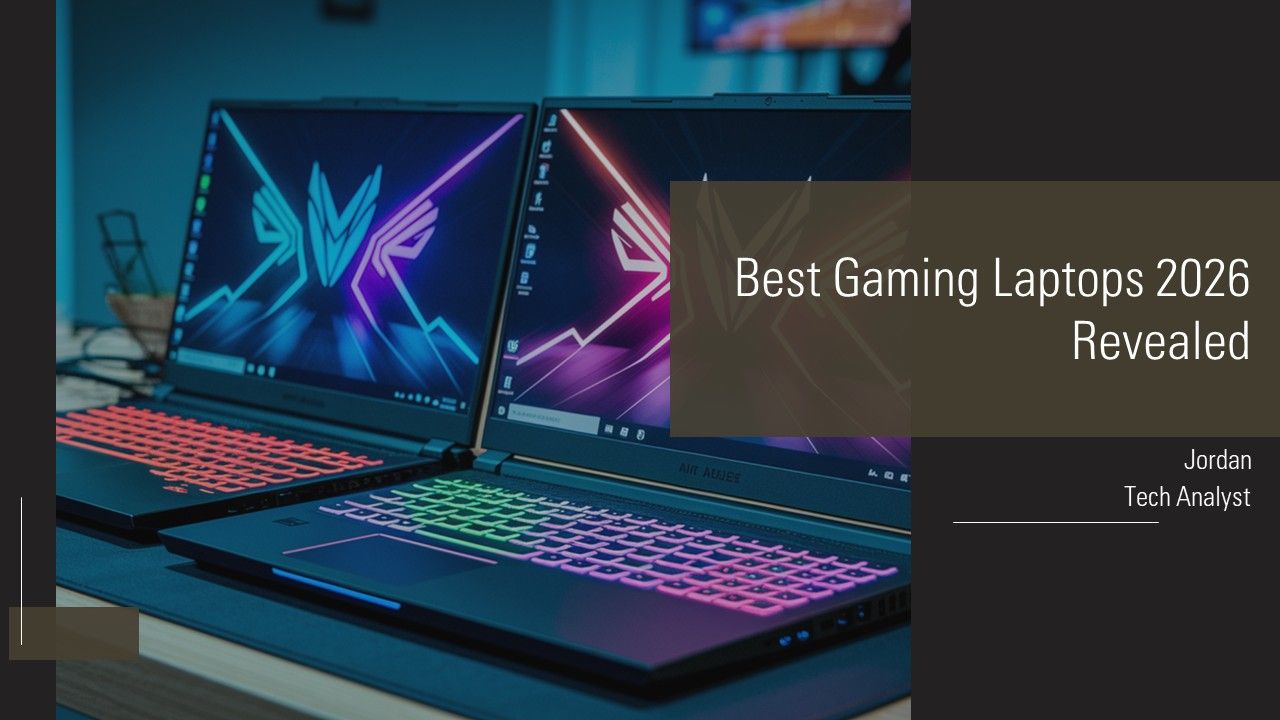
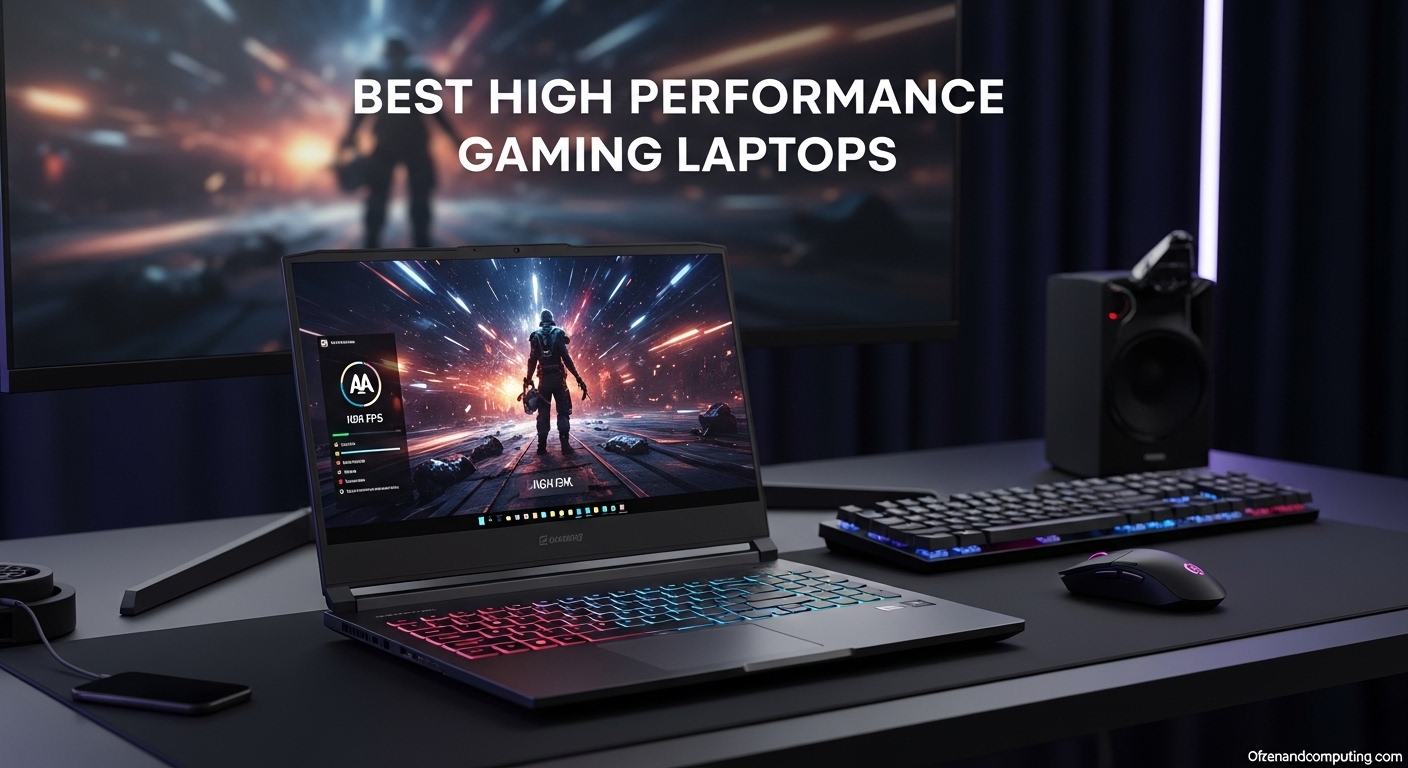
7 Best Gaming PCs Of 2026 Power Performance And Value Revealed Top Gaming Pcs 2026 1lmv2 . The Budget Gaming PC Template For 2026 700 1000 YouTube . Best Gaming Laptops 2026 Revealed PPT Summary AT Best Gaming Laptops 2026 Revealed Ppt Summary At Slide01 . The Best Asus Gaming Laptops 2026 GamesRadar . Best Gaming Laptops With MUX Switch Top 10 Picks For March 2026 Best High Performance Gaming Laptops




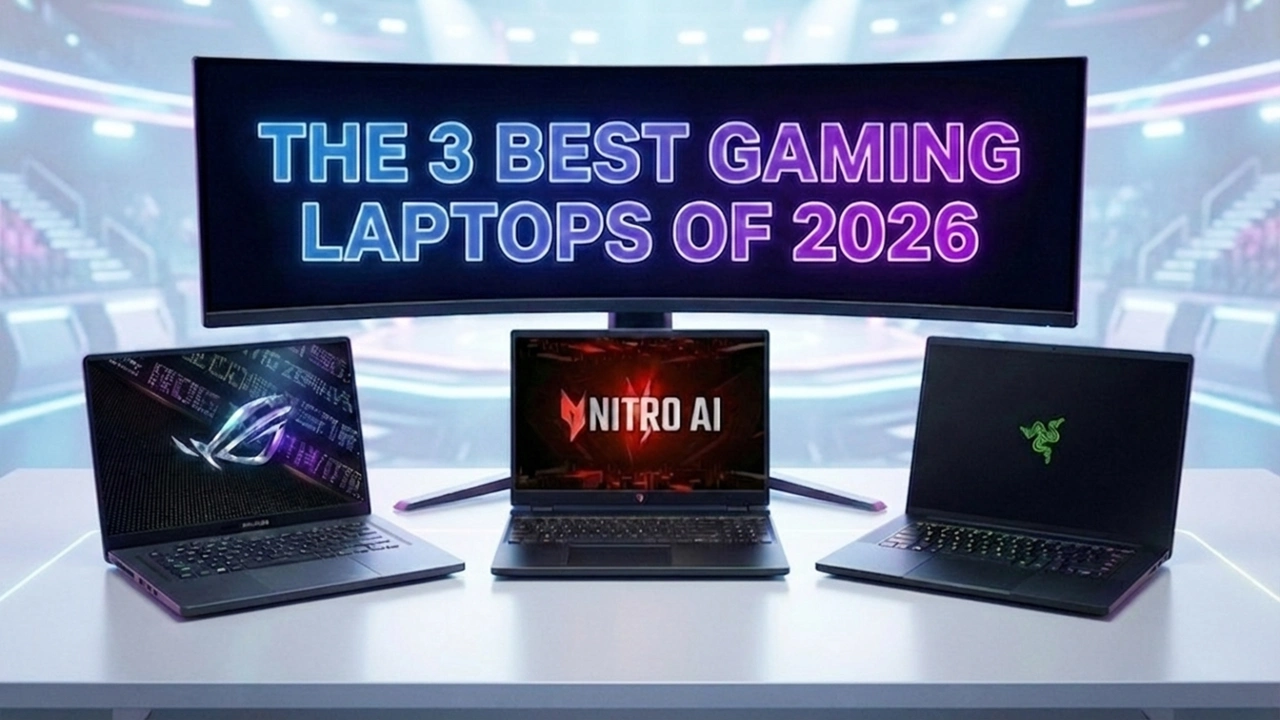
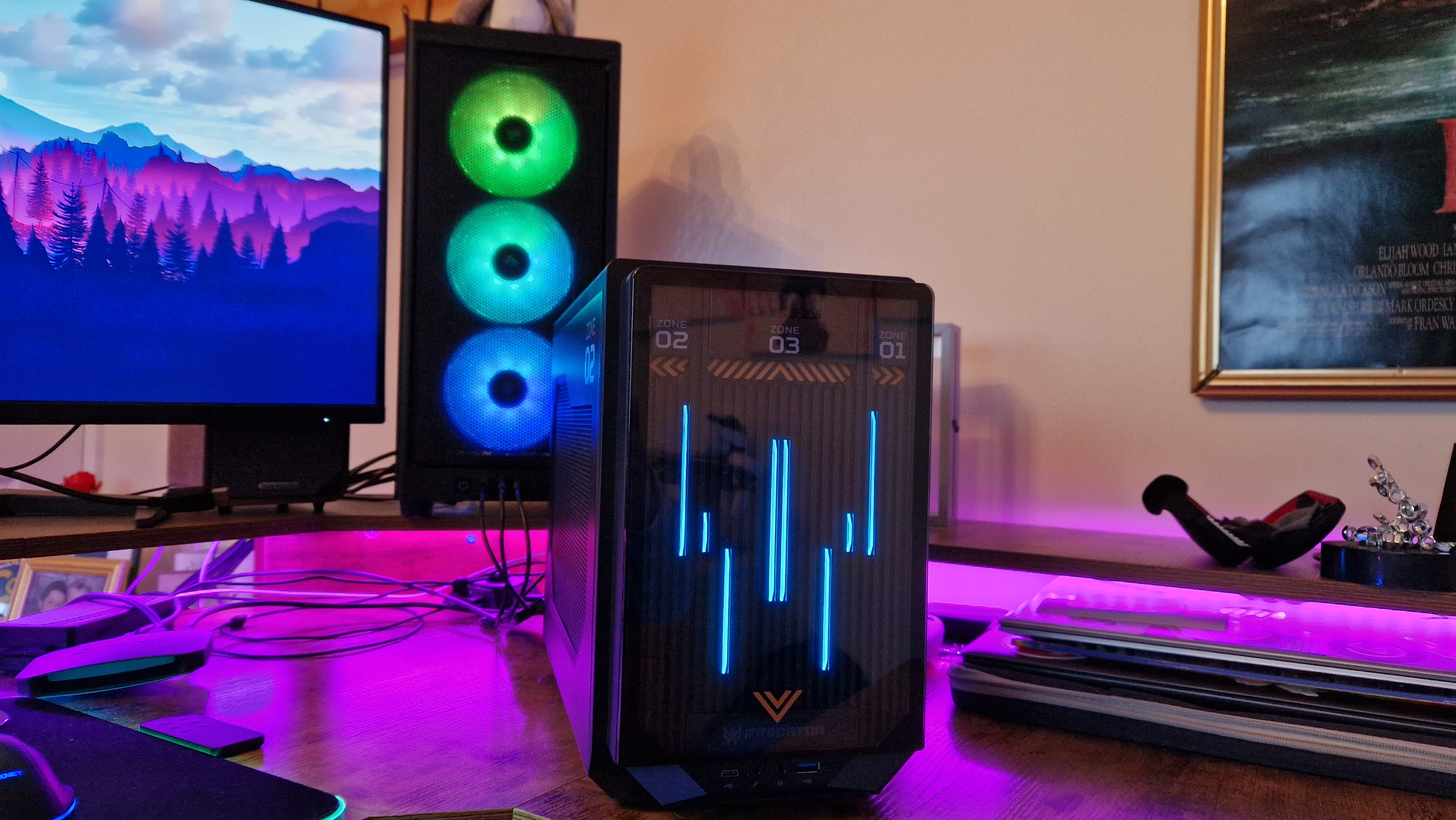
Best Prebuilt Gaming PC 2026 1440p 4k Budget Best Gaming PC . The Ultimate Gaming PC Build 2026 Guide By Xidax 1 Unnamed . Am Liorer Les De Votre PC Gaming En 2026 Kwontenu 6b2af948. Best OS For Gaming Computer In 2026 Windo Gaming PC Guru Best Gaming Os Featured 400x250 . The 3 Best Gaming Laptops Of 2026 Expert Reviews Picks The 3 Best Gaming Laptops Of 2026.webp



Best Gaming Laptops In 2026 A Complete Buying Guide Best Gaming Laptops In 2026 5.webp. Pigeon A Love Story Demo Adds Linux Support And Multiplayer Pigeon A Love Story Demo Takes Flight Nowk Linux Mac Windows Pc . Best Gaming OS Picks In 2026 Windows Li Gaming PC Guru Best Linux Os For Gaming Featured 800x500 . Best Gaming Laptops 2026 That Will Blow Your Mind RTX 50 Series OLED . How To Optimize Your Gaming PC For 2026 Way Of The Dogg What Is The Fastest Way To Optimize A Gaming PC In 2026


Best Prebuilt Gaming PC 2026 For Esports AAA And Streaming Gamer Org A Sleek Youtube Thumbnail Design With Bo Z5fskbADS9 PZy23Rqs Zg NA9Dn G 1024x574 . Best Gaming Laptop 2026 Real World Picks I D Actually Buy Gamer Org A Sleek Tech Thumbnail Design Featuring . The Ultimate Buying Guide To Gaming Laptops 2026 Sourav Joshi Vlogs Best Gaming Laptops 2026 . Cheap And Good PCs For Gaming What You Can Expect In Image 1024x683 . Good Cheap PC Is It Real For You 8ca85 1920


Best Gaming Laptops PCs For Battlefield 6 RedSec In 2025 Best Gaming Desktop PC 2025 Main . Build PC Stream Game 2026 C N C U H Nh Ra Sao Live M T Kh Ng Lag Build PC Stream Game 2026 Can Cau Hinh Ra Sao De Live Muot Khong Lag.webp. Best Budget Gaming Laptops 2026 Top Value Picks Best Budget Laptops For Gaming 2026 . ASUS ROG A Complete Gaming Ecosystem Seen Firsthand CES 2026 G 129b3e09 Asus Rog 20th Ces 2026 1200x624 1 . Best Gaming PC Build April 2026 Updated Picks For Every Budget AC SL1500



Best Gaming OS Picks In 2026 Windows Li Gaming PC Guru Best Gaming Pc Operating System Featured 400x250 . Top 10 Best Desktop Computers 2026 For Home Office And Work Lenovo Legion Tower 7i 2026 High Performance Desktop Computer With RGB Lighting Featured In. Gaming Desktop PC Guide 2026 Build The Ultimate Gaming Setup 2 2 3 . Building Your Ultimate Full PC Gaming Setup Discover How Gaming Desk Setup . The Best Budget Prebuilt Gaming PC In 2026 YouTube